1. Introduction to the Rhino
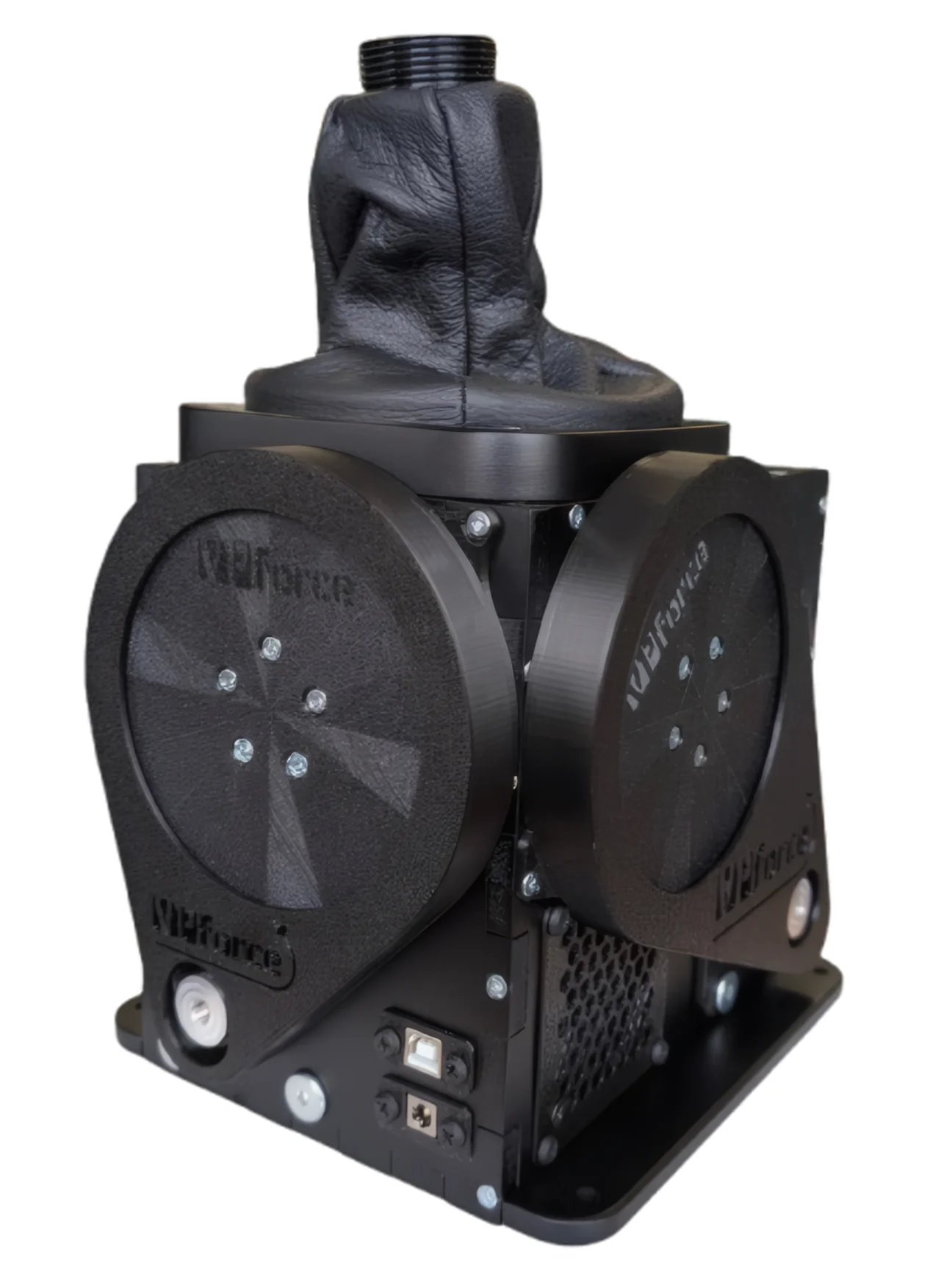
Whether you’ve just unboxed your Rhino, are impatiently tracking its delivery, or simply want to learn more about the beast - welcome. This manual is your guide to what the Rhino is, what it can do, and how to get the most out of it.
First things first: the Rhino is big. Really big. In both size and weight, most other stick bases don’t even come close. You’ll find the exact dimensions later in this manual, and it’s worth checking them before installation - ideally before you realize your desk wasn’t quite ready for a small tank turret. The shape is simple enough that you can even make a quick cardboard mock-up to test fitment. Thanks to the long distance from the gimbals to the stick mount, the Rhino effectively includes a built-in extension, giving it a generous ±22° of travel out of the box.
Mounting isn’t just about supporting the weight - it’s about restraining the power. With up to 9 N·m of torque, the Rhino can generate over 3 kg of pull at the grip in typical setups. That’s roughly equivalent to the heaviest cam-and-spring bases at their stiffest settings - except the Rhino can deliver that strength more linearly across its whole range, not just at the extremes. In practice, it’s probably the strongest controller you’ve ever used, even if it doesn’t quite qualify as a gym machine.
Power aside, the Rhino’s real trick is its flexibility. What other bases require a full wrench set and some swearing to adjust, the Rhino does through a few sliders in software. You can fine-tune resistance, feel, and behavior with ease. It’s also delightfully open-handed with grips - it supports Thrustmaster and Virpil directly, and VKB or Winwing via simple adapters.
All that flexibility comes at a cost — complexity. The Rhino performs anti-cogging, damping compensation, and other bits of software sorcery to keep everything smooth and natural. Older closed systems, like the legendary Microsoft Force Feedback 2, were perfectly tuned for one configuration and one grip. The Rhino, by contrast, must handle anything from a featherweight Virpil MongoosT-50 to a full-length Warthog extension that weighs five times as much. There’s no single “perfect” setup, but the default configuration is a solid starting point. A few minutes of tuning - guided by this manual and the accompanying videos - will help you dial in perfection for your specific gear.
With great power comes… occasionally surprising motion. A misconfigured setting or an overzealous game effect can make things interesting, which is why the system includes a big red button that instantly makes everything safe again. Mount your setup securely, keep that button accessible, and you’ll be fine. The Rhino isn’t actually dangerous - it just likes to remind you who’s boss with a gentle slap on the fingers now and then.
Finally, there’s the matter of software. Different simulators treat force feedback in wildly different ways. Some, like IL-2 Great Battles and DCS World, support DirectInput FFB natively. Others - MSFS and X-Plane, for example - require external software. VPforce also provides a telemetry-based enhancement project that adds richer, more detailed FFB effects to DCS. This manual covers all of that, helping you get up and running smoothly with the most popular simulators - and experience what, for many pilots, will feel like a complete shift in how you control virtual aircraft, spacecraft, or anything else you choose to wrestle into the sky.